Cross-posting
Post to All Social Media at Once
Upload one video, write one caption, and publish it as a YouTube Short, a TikTok and an Instagram Reel at the same moment — plus Facebook, X, LinkedIn and the rest of your accounts.
7 days free, then from $19.90 a month. Cancel anytime.
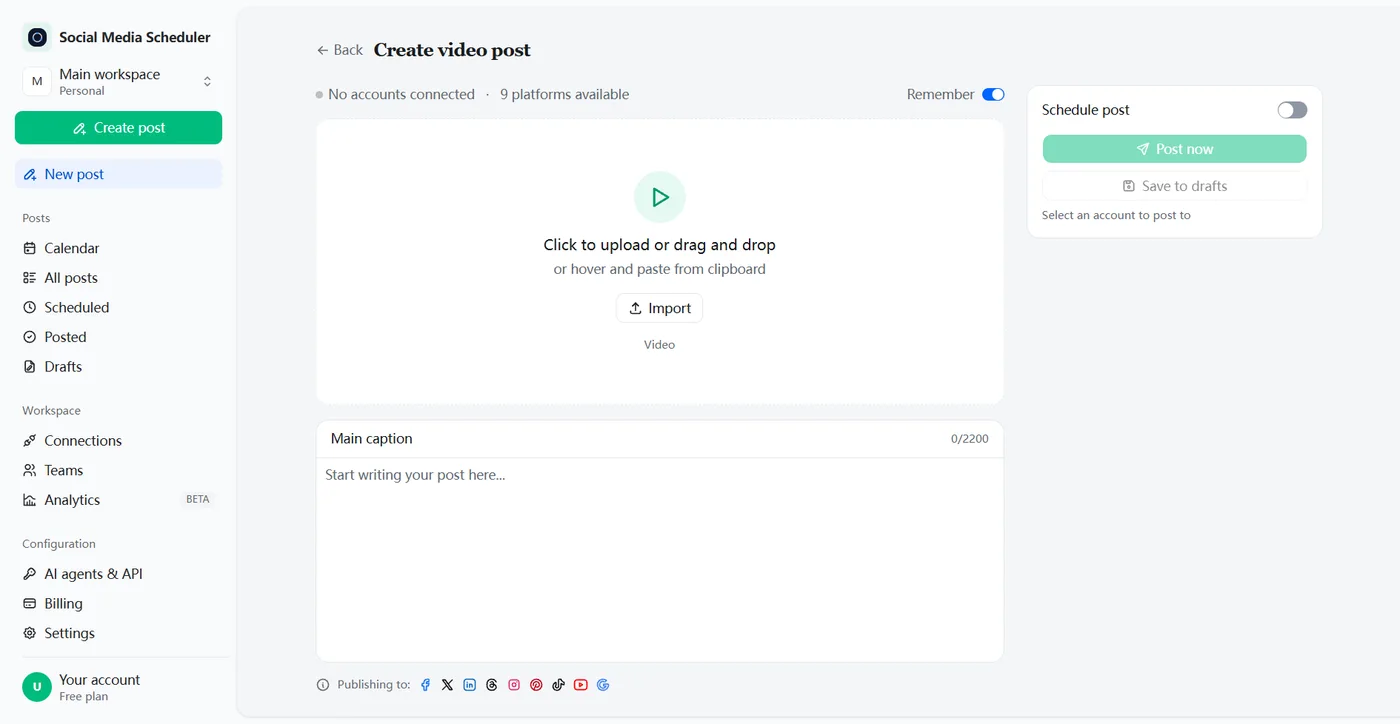
One app to post on all social media at once
Posting to all social media at once means writing a post one time and publishing it to every network you use in a single step, instead of opening five apps and uploading the same file five times. Social Media Scheduler connects TikTok, Instagram, YouTube, Facebook, X, LinkedIn, Threads, Bluesky, Pinterest and Google Business, and sends one post to all of them, now or at the time you pick.
Think of it as a cross-posting app for creators and brands: it runs in the browser, there is nothing to install, and you sign in to each network on its own login page.
Post one video to YouTube Shorts, TikTok and Instagram Reels
Short vertical video is where cross-posting saves the most time. The same clip can be a YouTube Short, a TikTok and an Instagram Reel, yet most creators still upload it three times, in three apps, with three captions typed on a phone. Here you upload it once, tick YouTube, TikTok and Instagram, and all three go out together.
No watermark, because you upload the original
Saving a TikTok and re-uploading it to Instagram or YouTube carries TikTok’s watermark along, and Instagram has said it shows Reels with another app’s watermark to fewer people. Uploading your original file sends a clean copy to every network. Tools such as Repurpose.io copy a posted TikTok and strip the watermark instead.
One caption, every network
The caption you write goes to each network with the video. A short, clear first line works best everywhere — on YouTube it is what people see as the title.
Each network reports back
After publishing, every network returns its own result, so you see at a glance that the Short, the TikTok and the Reel all went live — and which one needs a second look if not.
How to post on all social media at once
Posting everywhere at once takes three steps: connect your accounts once, create the post with its video, image or text, then tick the networks and publish or schedule. After the first setup, every new post is a single upload, however many networks it goes to.
1. Connect your accounts
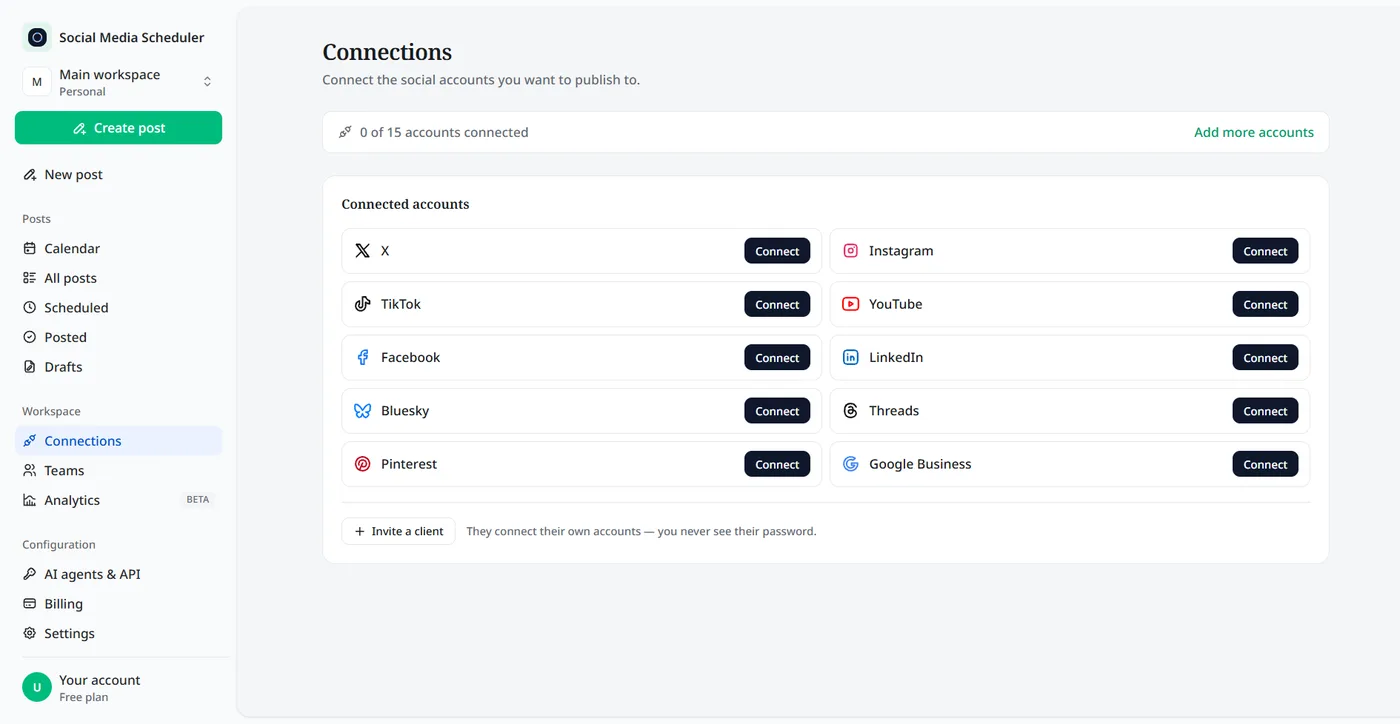
On the Connections page, click Connect next to each network and approve access on that network’s own sign-in screen. No password ever passes through us.
2. Create one post
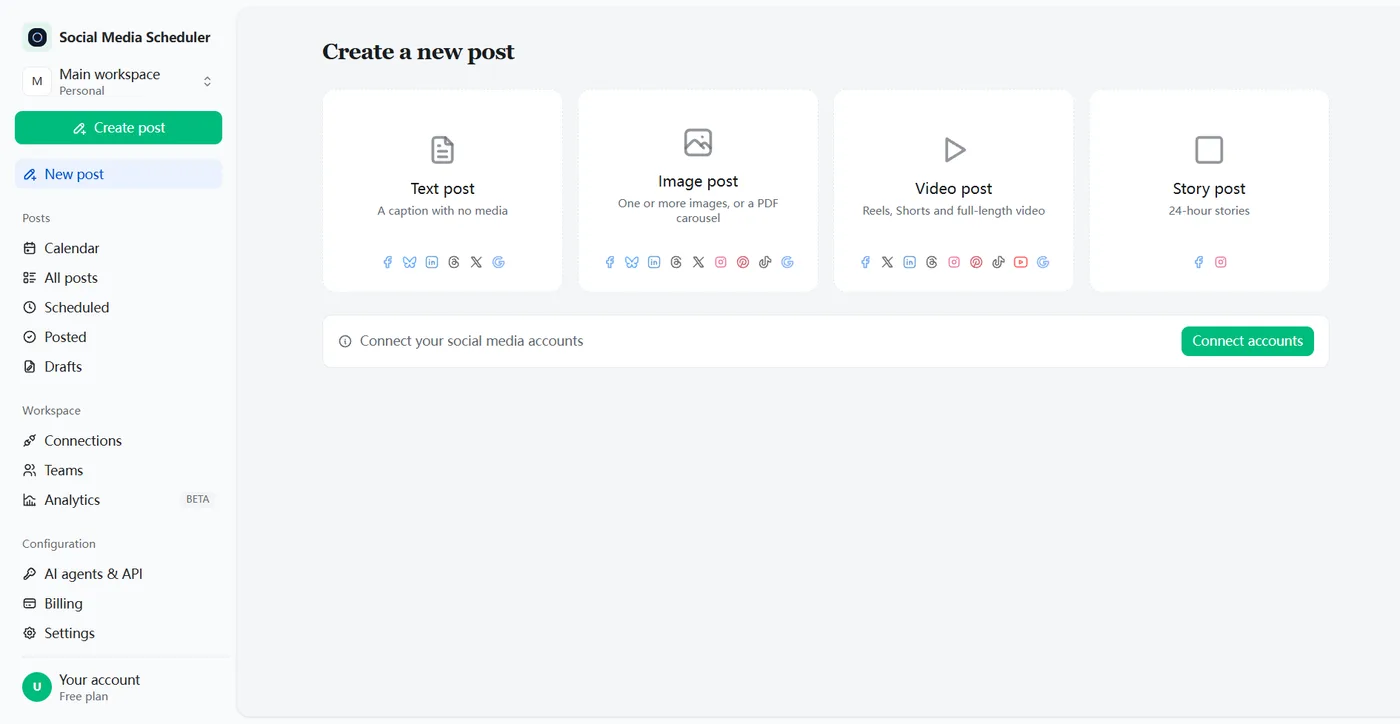
Choose a text, image or video post, upload the file and write the caption. The composer shows only the networks that accept that kind of post.
3. Publish now or schedule
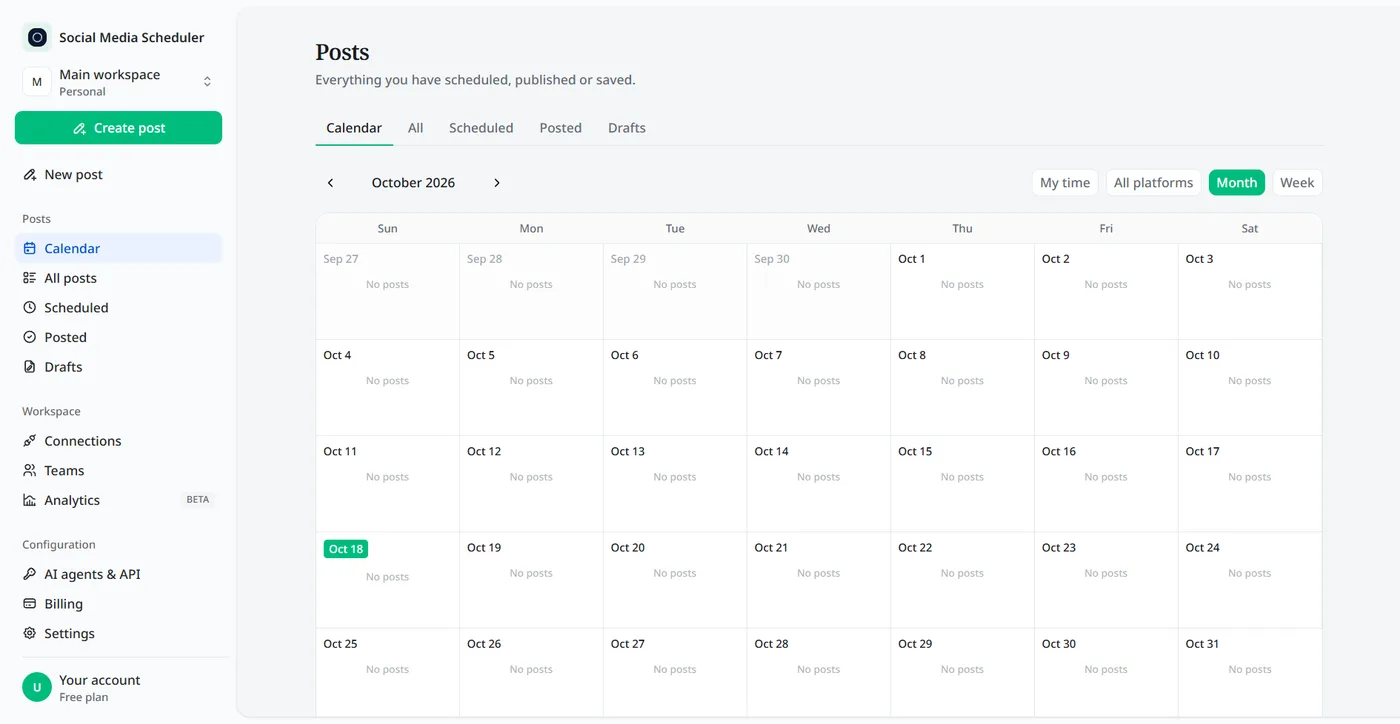
Press Post now to publish everywhere straight away, or switch on Schedule post and pick a time. Running several brands? Pick more than one account set and the post goes to each.
Which networks each post reaches
A video post reaches nine networks, an image post nine and a text post six. Not every network accepts every kind of post: TikTok and YouTube need a video or image, and Bluesky does not take video. The composer only shows the networks that accept what you are posting, so nothing is rejected after you press publish.
| Post | Goes to |
|---|---|
| Video | TikTok, Instagram Reels, YouTube and Shorts, Facebook, X, LinkedIn, Threads, Pinterest, Google Business |
| Image | Instagram, Facebook, X, LinkedIn, Threads, Bluesky, Pinterest, TikTok, Google Business |
| Text | X, LinkedIn, Threads, Bluesky, Facebook, Google Business |
Popular ways to post to several networks at once
Post to TikTok and Instagram at the same time
TikTok’s share button can send a video to Instagram, but it passes through your phone and keeps the watermark. Connecting both accounts here publishes the clean file as a TikTok and a Reel together.
Post a TikTok to YouTube Shorts
YouTube treats a vertical video of up to 3 minutes as a Short, so most TikToks qualify as they are. Post the same original file to both, rather than downloading the TikTok and uploading it again.
Post to Facebook and Instagram at the same time
Meta’s own tools cover this pair: share Instagram posts to a linked Facebook Page, or post to both from Meta Business Suite. Use a cross-posting tool when the same post should also reach TikTok, YouTube, X or LinkedIn.
Post to X, LinkedIn and Threads together
Text posts and announcements work well on these three. Write it once and send it to all of them, plus Bluesky and Facebook.
Tips to post to all social media at once and keep your reach
- Upload the original file, never a download from another app, so no watermark travels with it.
- Shoot vertical, 9:16, with text away from the edges where each app puts its buttons.
- Put the hook in the first line of the caption; it is all most people read on every network.
- Keep hashtags to a few that fit every platform rather than a block written for one.
- Post when your audience is online, then check each network’s result and replies.
Will cross-posting lower my video quality?
Every network compresses what you upload, so the quality you lose comes mostly from compressing twice: downloading an already compressed TikTok or Reel and uploading that copy again. A wrong aspect ratio adds black bars or crops. Export the original in 9:16 at the highest quality your editor offers and upload that file.
Pricing to post to all social media at once
Plans are priced by account sets, not by posts. A set is one account on every platform: Solo is $19.90 a month for 1 set, Growth $39 for 5 and Agency $99 for 15, and every plan includes unlimited posts to every network. Each plan starts with a 7-day free trial.
- One set covers one account on each of the 10 networks.
- Unlimited posts on every plan, however many networks each one goes to.
- Switch plans or cancel at any time.
Posting to all social media at once: FAQ
Is there a way to post on all social media at once?
Yes. A cross-posting tool connects all your accounts and sends one post to each of them. In Social Media Scheduler you upload the video or image once, write the caption, tick the networks and press Post now or schedule it. Each network reports back whether the post went out.
Is there a free app to post to all social media?
Meta Business Suite is free but covers only Facebook and Instagram. Tools that reach TikTok, YouTube, X and LinkedIn as well usually have small free tiers or a trial. Social Media Scheduler has no free-forever plan, but every plan starts with a 7-day free trial, so you can post everywhere before you pay.
Can you post the same video on TikTok and YouTube Shorts?
Yes. Both accept the same vertical video, and YouTube treats a vertical video of up to 3 minutes as a Short. Upload your original file rather than a download from TikTok, so the Short carries no TikTok watermark, and post it to both at the same time.
Does cross-posting hurt your reach?
Posting the same video to several networks is normal and no network bans it. What costs reach is a visible watermark from another app: Instagram has said it shows Reels with another app’s watermark to fewer people. Publish the clean original to every network and keep each caption readable on its own.
How do I post to TikTok and Instagram at the same time?
Neither app posts to the other, so you need a tool that connects both. Connect TikTok and Instagram, upload the vertical video once, write the caption and tick both networks. It goes out as a TikTok and an Instagram Reel at the same moment, without a watermark.
Can I post to Facebook and Instagram at the same time?
Yes. Meta’s own tools can share an Instagram post or Reel to a linked Facebook Page, and Meta Business Suite posts to both. To include TikTok, YouTube, X or LinkedIn in the same post, use a cross-posting tool that connects all of them instead.
Which platforms can I post to at once?
Ten: TikTok, Instagram, YouTube, Facebook, X, LinkedIn, Threads, Bluesky, Pinterest and Google Business. Videos reach nine of them, images nine and text posts six; the composer only offers the networks that accept the kind of post you are making, so nothing is rejected.
Can I schedule the post instead of posting now?
Yes. Switch on Schedule post, pick a date and time in your own timezone, and the post goes out to every network you picked at that moment. You can also send the same post to several account sets, for example your own brand and a client’s.
Post everywhere from one upload
Connect your accounts in a few minutes, upload once, publish to every network. Try every feature free for 7 days.
Start 7-day free trial